
Analog
Forge.
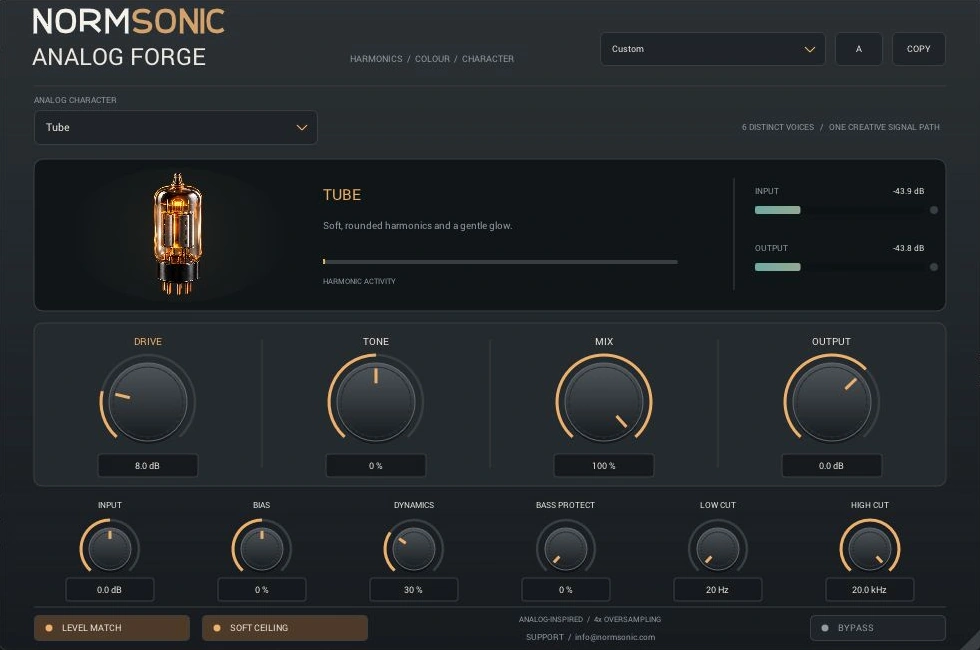
Six voices. Your character. Go from gentle warmth to unruly fuzz, with the controls to make it work in a real mix.
Six voices.
One instrument.
These are original digital models inspired by analog behaviours. They are not replicas of particular hardware circuits.
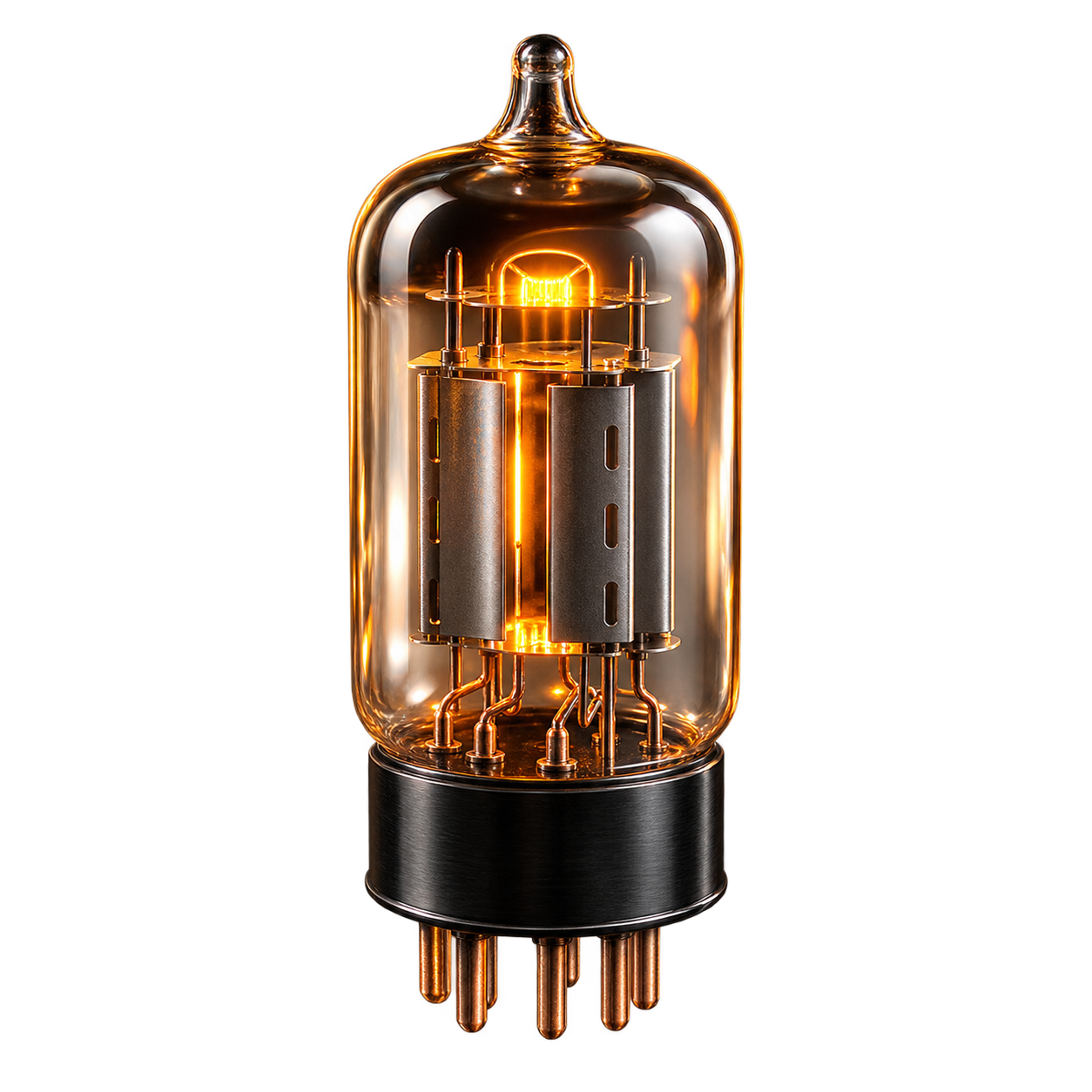
Tube
Rounded saturation with a gentle, warm edge. Bias changes the asymmetry; Dynamics makes the response follow the energy of the performance.
Start with vocals or plucked instruments: moderate Drive, a little Bias and Mix around 30–60%.
Press play.
Switch character.
Plugin OFF and Plugin ON stay synchronized. Both files keep running at the same position; the switch only changes what you hear.
Recorded vocals, ukulele and guitar with produced accompaniment, in 25-second excerpts. Listen to the complete mix, explore individual stems and compare six characters on the same performance. The processed versions were rendered with the actual Analog Forge engine.
Loading the audio examples…
Get the edge.
Keep the balance.
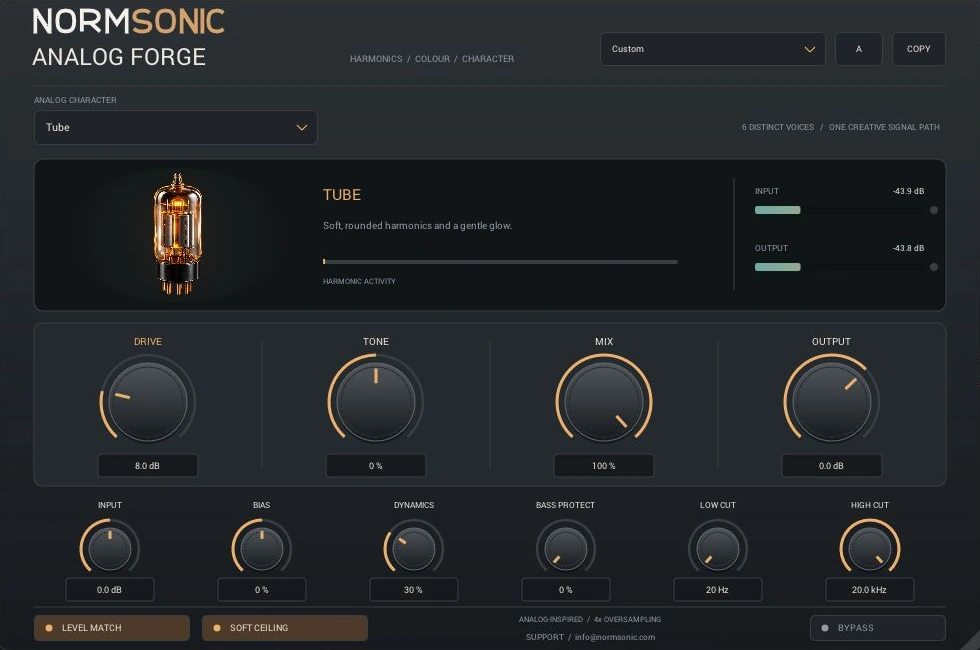
The character is the starting point. Use the surrounding controls to make it fit a voice, a bass line, a drum bus or an entire instrument.
Set the operating level, then choose how hard the signal hits the nonlinear stage.
Tilt the sound before saturation. Add asymmetry for a different balance of harmonics.
Adjust the envelope-dependent character and compression response of the selected model.
Keep more low-frequency energy out of the nonlinear stage and blend it back in afterwards.
Blend in a parallel layer. Remove rumble and smooth high-frequency fizz in the processed path.
Approximate loudness compensation to help comparison. It is not a LUFS loudness meter.
Final output trim and an optional soft ceiling near −0.3 dBFS. The ceiling is not a true-peak limiter.
Twelve starting points and two settings slots. Copy your current settings, then compare your next idea.
Fourteen processing parameters can be automated and saved by the host. Continuous controls are smoothed, and model changes crossfade. Automation is read at host block boundaries; it is not claimed to be sample-accurate. Read the signal-path manual.
Make it part
of your session.
No account. No email gate. Free for personal and commercial audio work.
Version 0.2.0 has been checked in REAPER on Windows, alongside pluginval at strictness 5, VST3 SDK validation and 143 DSP comparison cases. Checks cover all six voices, parameter automation, saved project state and latency-aligned bypass. Compatibility with every host is not promised.
Windows x64
VST3 plugin + Standalone application. Requires a 64-bit Windows VST3 host for the plugin.
Free Binary Use License. No subscription or activation. The publisher's source code is private.
Version 0.2.0 · 12.46 MiB ZIP
macOS
A possible future direction. No Mac binary is available, and macOS VST3/AU builds have not been completed or tested. The current release is Windows only.
Read the full binary-use license and the early release FAQ. Earlier AGPL releases retain their original licenses.