
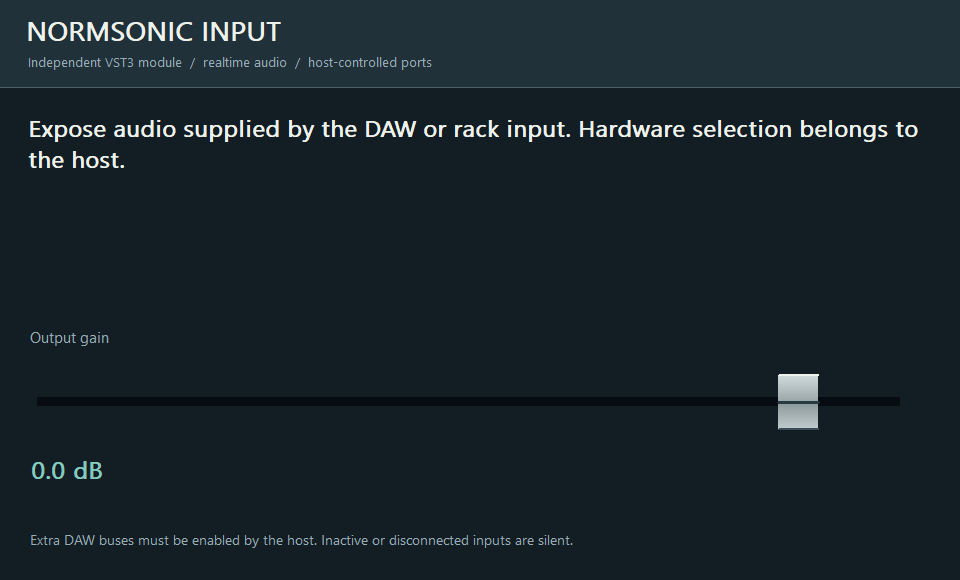
NORMSONIC LIVE / WINDOWSYour sound.
Your sound.
Your way.
Mix, shape and record with NORMSONIC LIVE. A free Windows mixer with EQ, dynamics, VST3 effects and phone control — for rehearsals, small live setups and podcasts.
- Inputs → Main output → Start mixing
- Large faders · Host, phone and tablet
- Last setup restored · Raw multitrack recording
INDEPENDENT AUDIO SOFTWARE
Find your starting point.
A mixer, a modular rack or a single effect. Choose the tool that fits the way you work.
01 / LIVE
Your mix, in one place.
Channels, buses, effects and multitrack recording in a standalone Windows mixer.
Explore LIVE ↗02 / RACKBuild your signal path.
Connect audio, WAV files and plugin chains in a modular host. Standalone and VST3.
Explore RACK ↗03 / VST3Add colour and control.
12 original effects and 8 routing and file tools. Separate free Windows VST3 downloads.
Browse all 20 plugins ↓NORMSONIC RACK / WINDOWS BETA
NORMSONIC RACK
Your chain. Your sound.
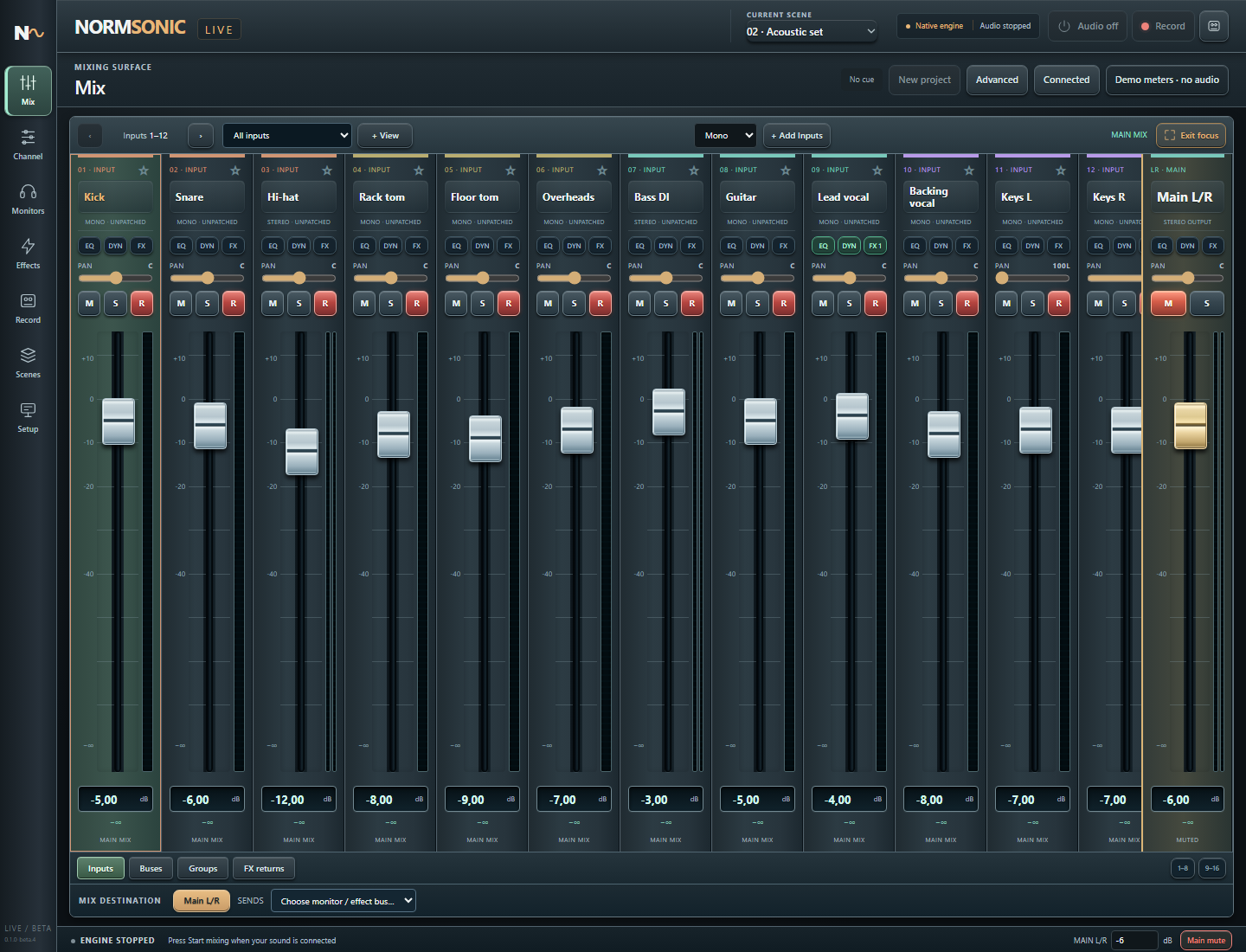
Connect effects with virtual cables for live performance or WAV processing. Build serial and parallel chains, add sidechains and record the result with effect tails. Use RACK as a standalone application or as a VST3 inside your DAW.
Standalone + VST3 · VST3 / CLAP · 0.1.0-beta.3
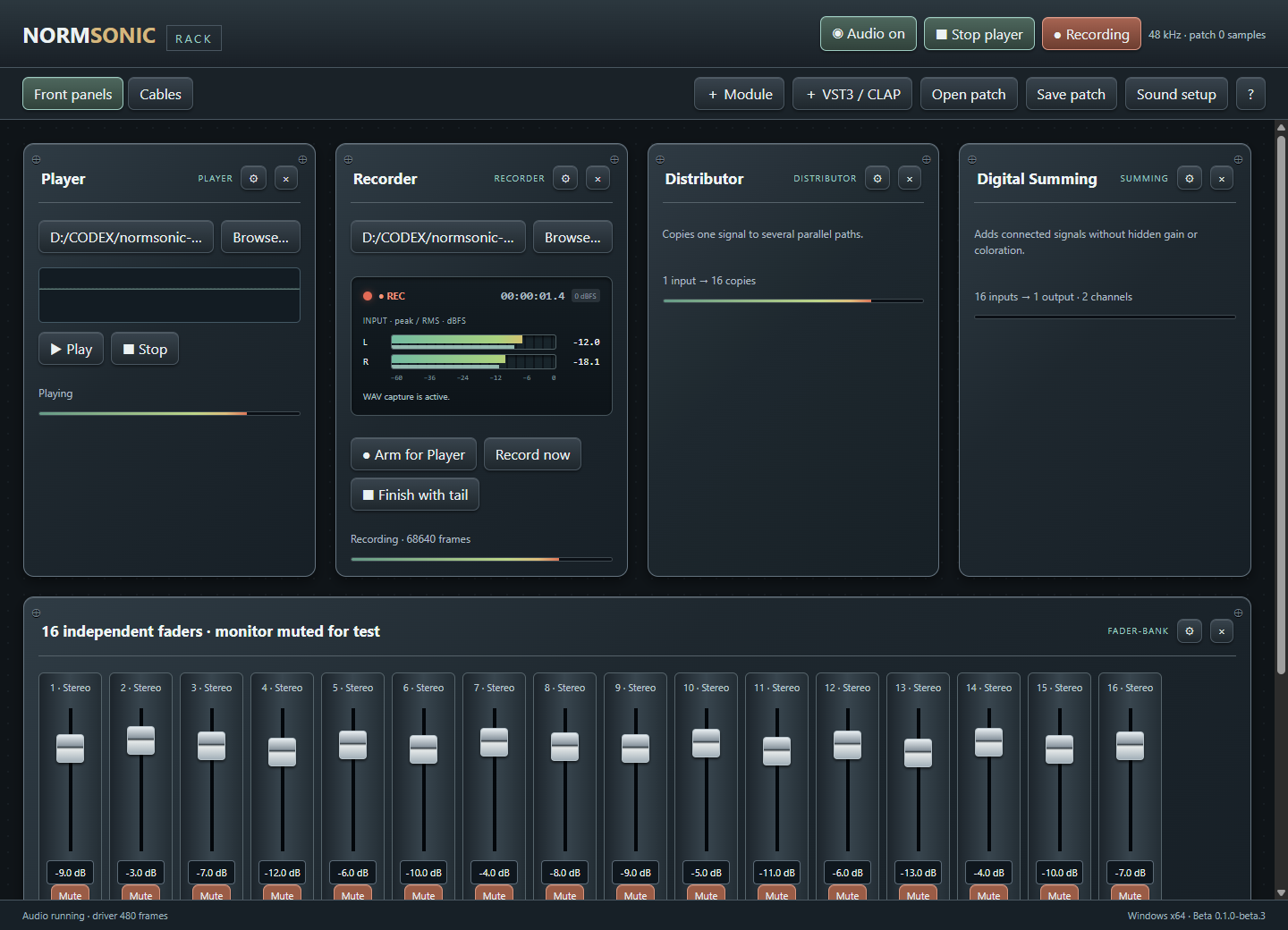
Rack modules, also available as separate VST3 plugins
12 EFFECTS / 8 UTILITIES / WINDOWS
Find your sound. Build your chain.
Explore all 20 VST3 plugins by sound or purpose. Open each product for its interface, details, audio examples where available and current download.
20 plugins available
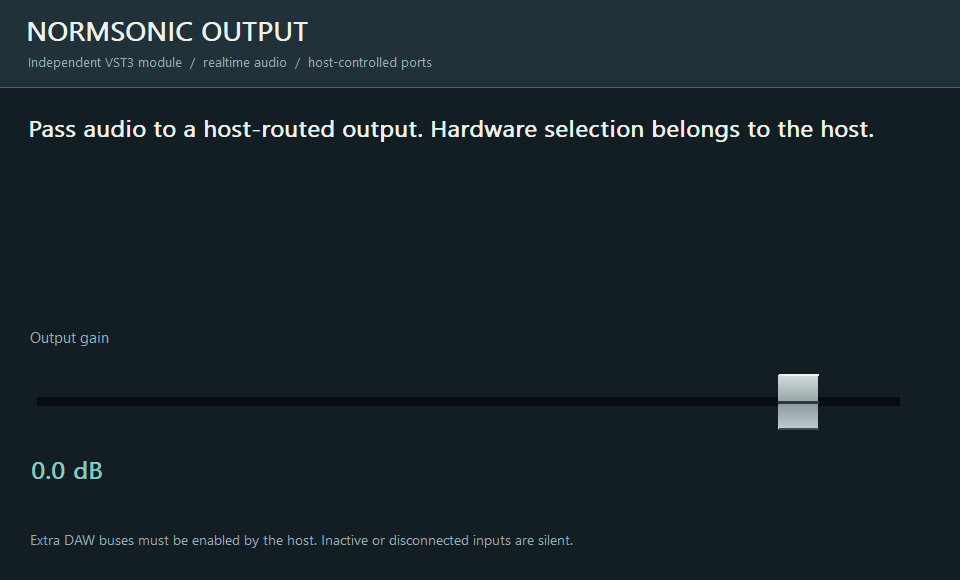
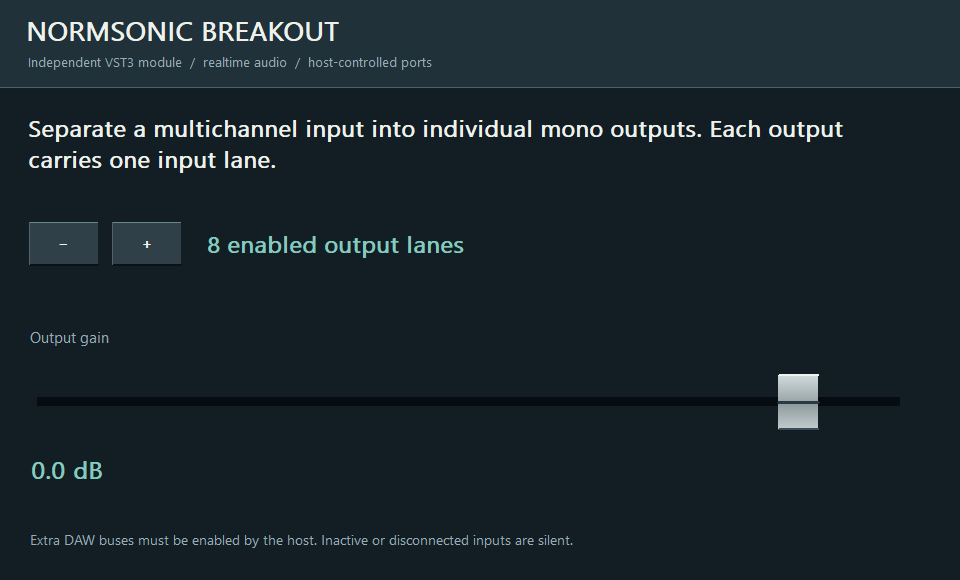
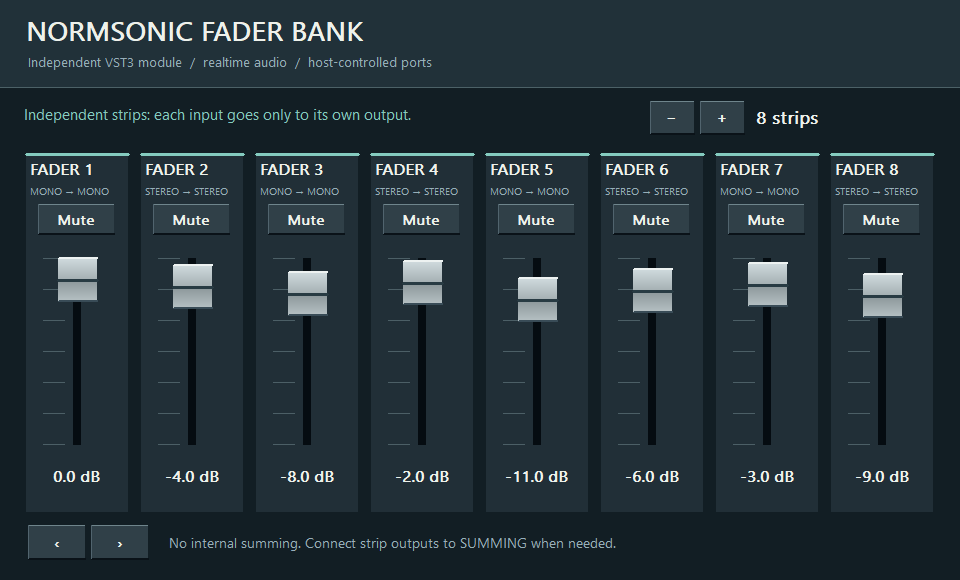
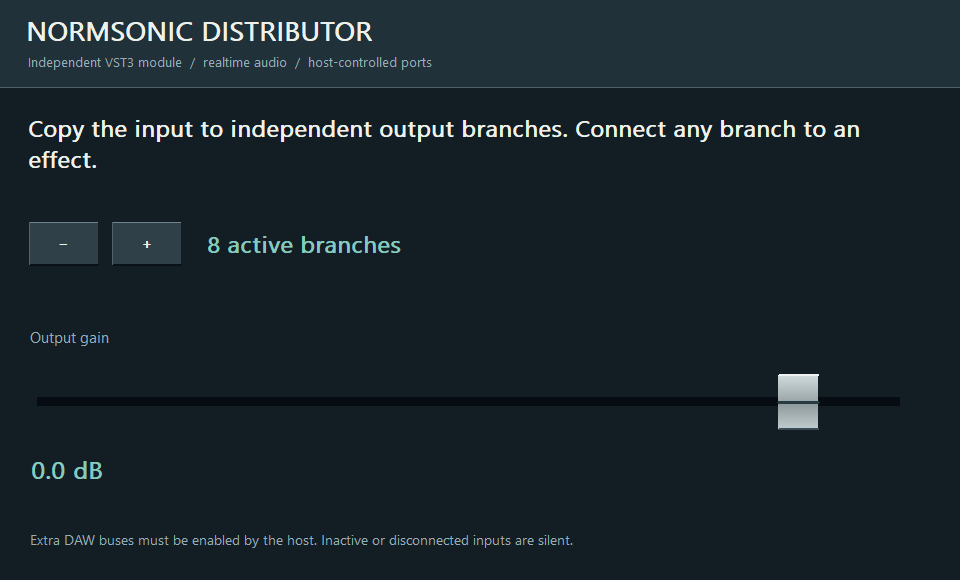
NORMSONIC BREAKOUT
Split individual channels out of a multichannel source.
Windows x64VST30.1.0-beta.1
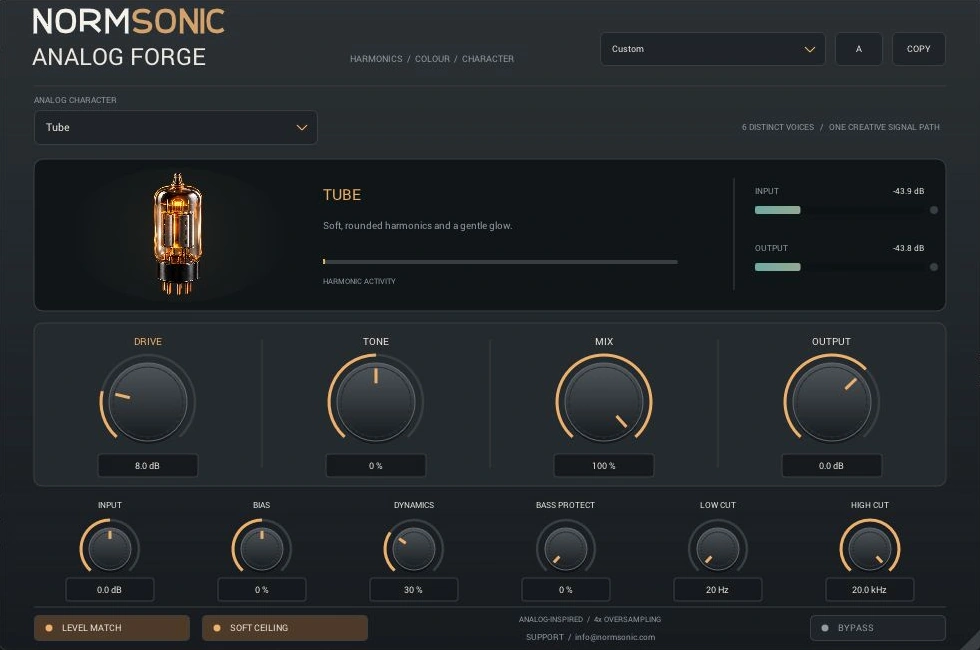

Six analog-inspired voices. From a little vocal warmth to bass weight, tape-like softness and full-on transistor fuzz. Shape the colour, keep the low end and blend it into your mix.
Windows x64VST3 + Standalonev0.2.1
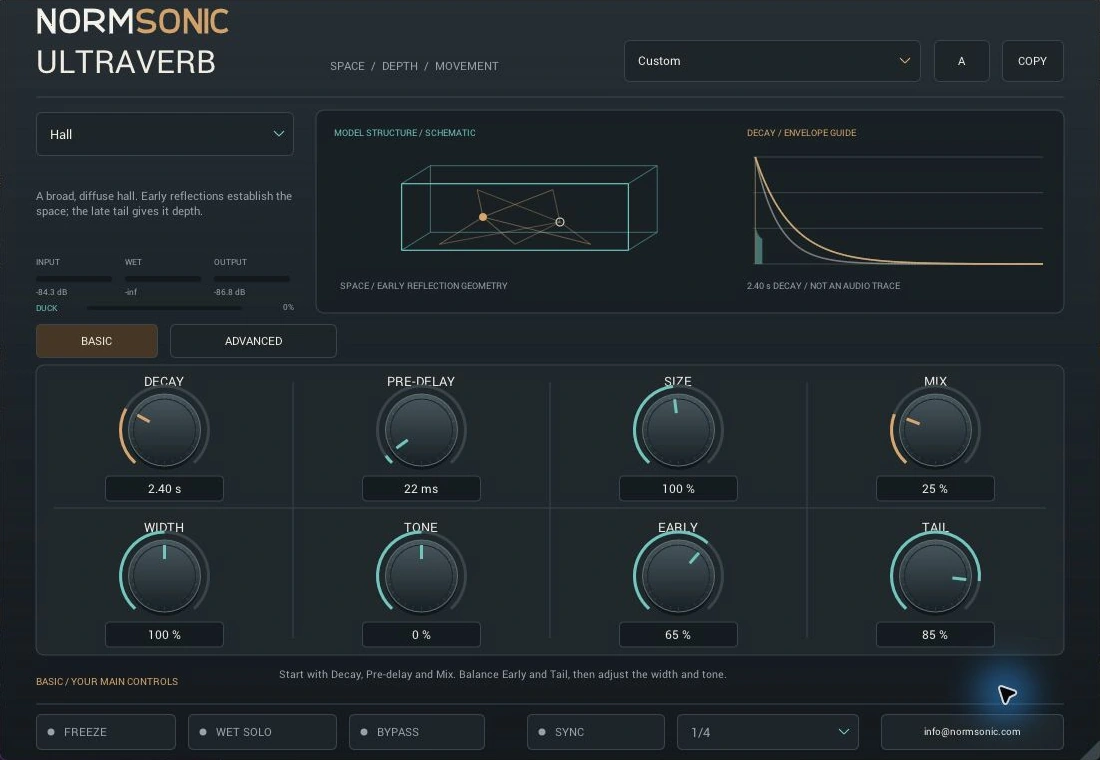

Thirteen original characters, from close ambience to deep halls, plate, spring and creative digital tails. Shape the space, keep the source clear and take the tail somewhere new.
Windows x64VST3 + Standalonev0.1.1
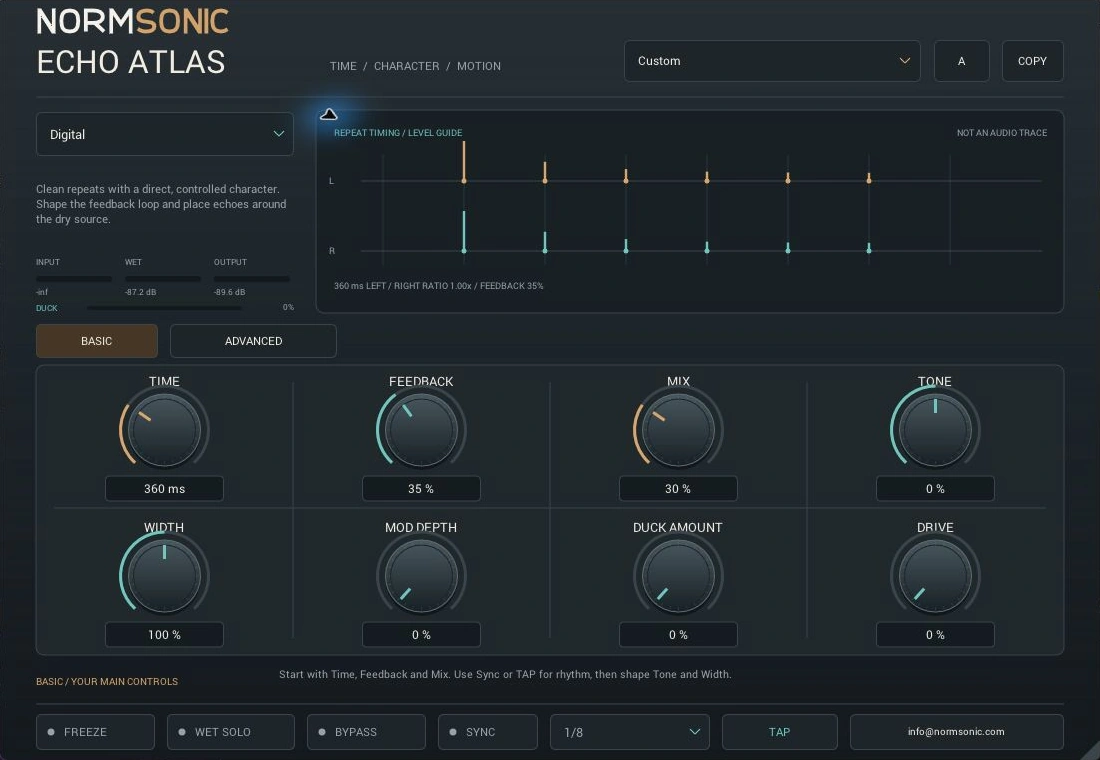
Twelve original echo characters: clean digital repeats, tape and BBD-inspired colour, stereo rhythms, reverse, diffuse, pitch and lo-fi textures. Find the timing, shape the loop and blend the result.
Windows x64VST3 + Standalonev0.1.1
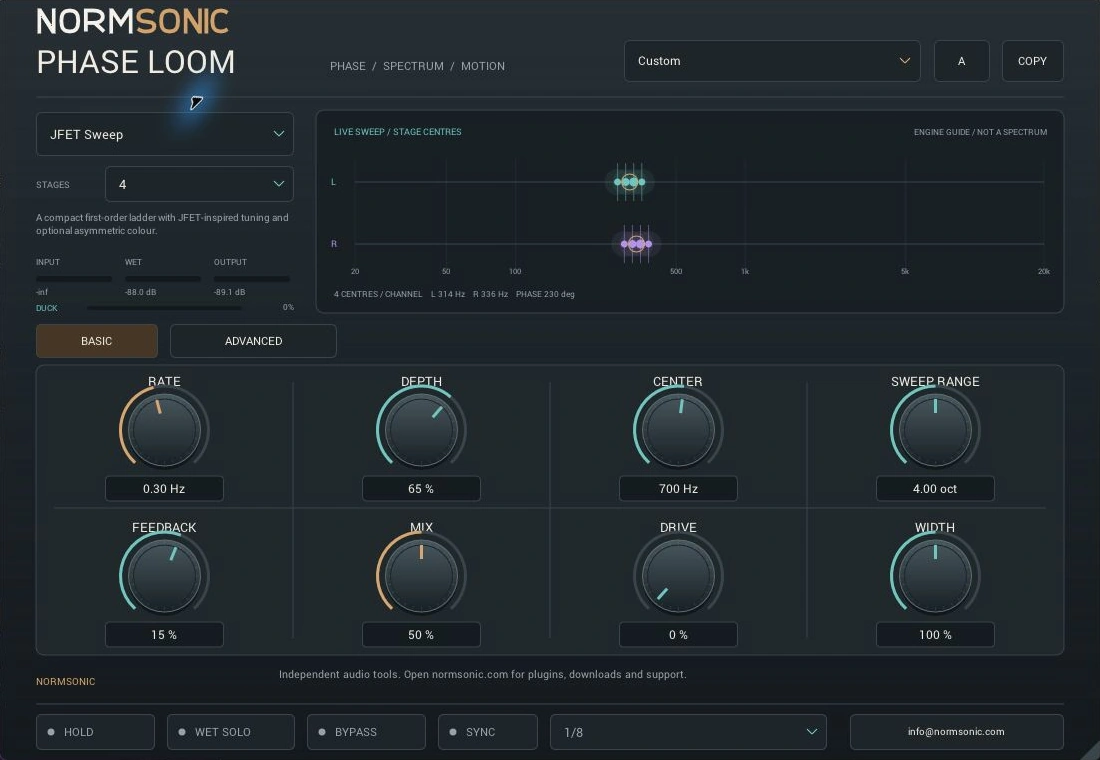

Six original phaser families, variable stage order and a sweep you can shape. Compact allpass motion, opposing banks, focused resonance and continuous barberpole travel.
Windows x64VST3 + Standalonev0.1.1
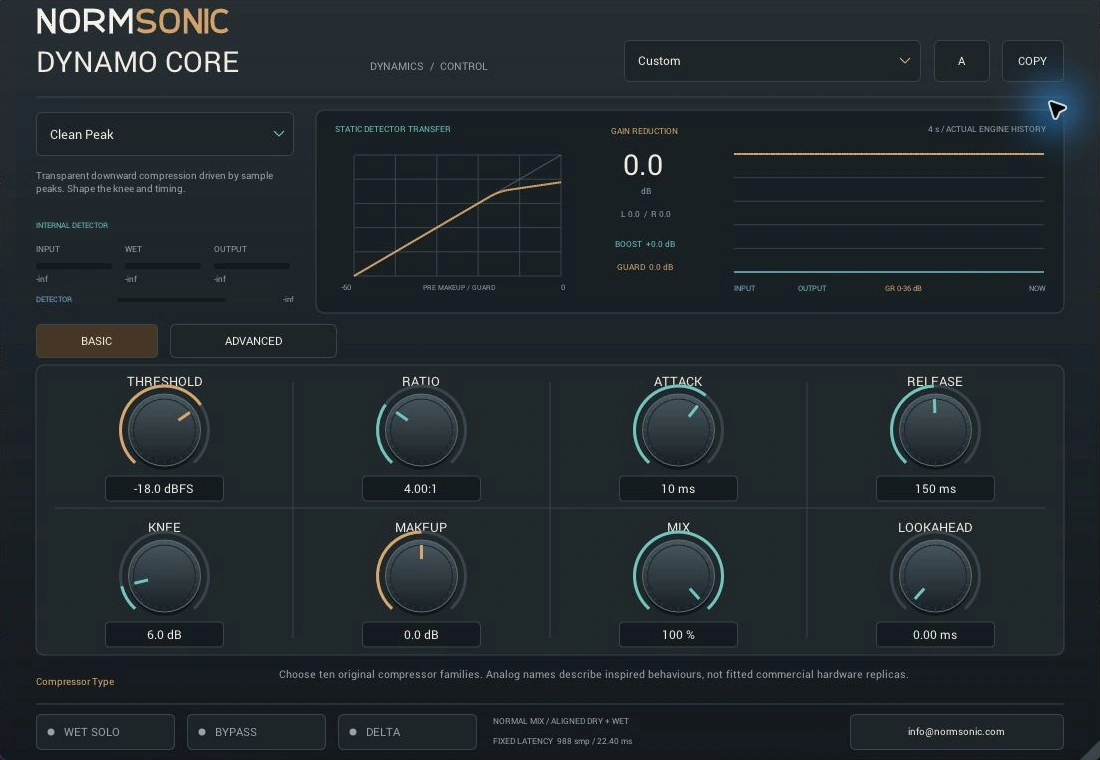

Ten original compressor families. Shape peaks, sustained levels and quiet detail with fifty controls, genuine external sidechain and clear transfer/gain history.
Windows x64VST3 + Standalonev0.1.0
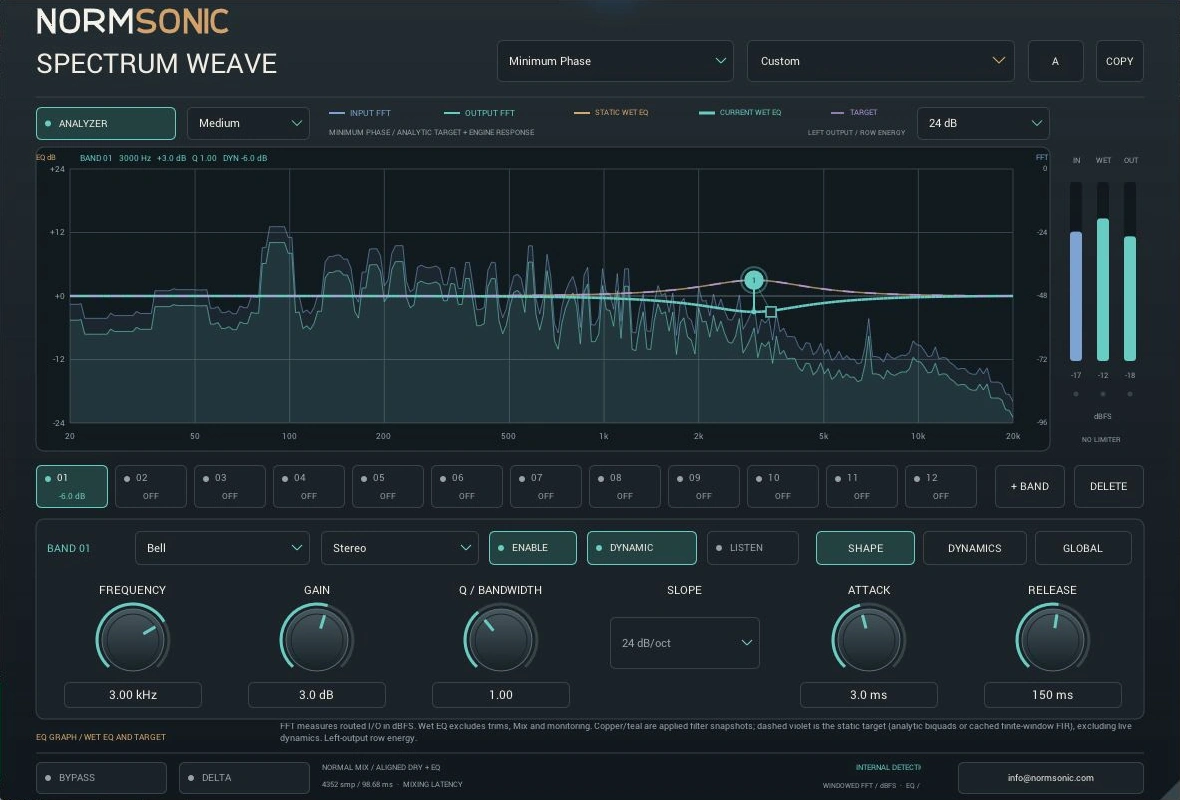

Twelve stable EQ slots, eight filter shapes, focused band dynamics, real FFT spectra and a static linear-phase FIR mode with labelled dynamic correction.
Windows x64VST3 + Standalonev0.1.0
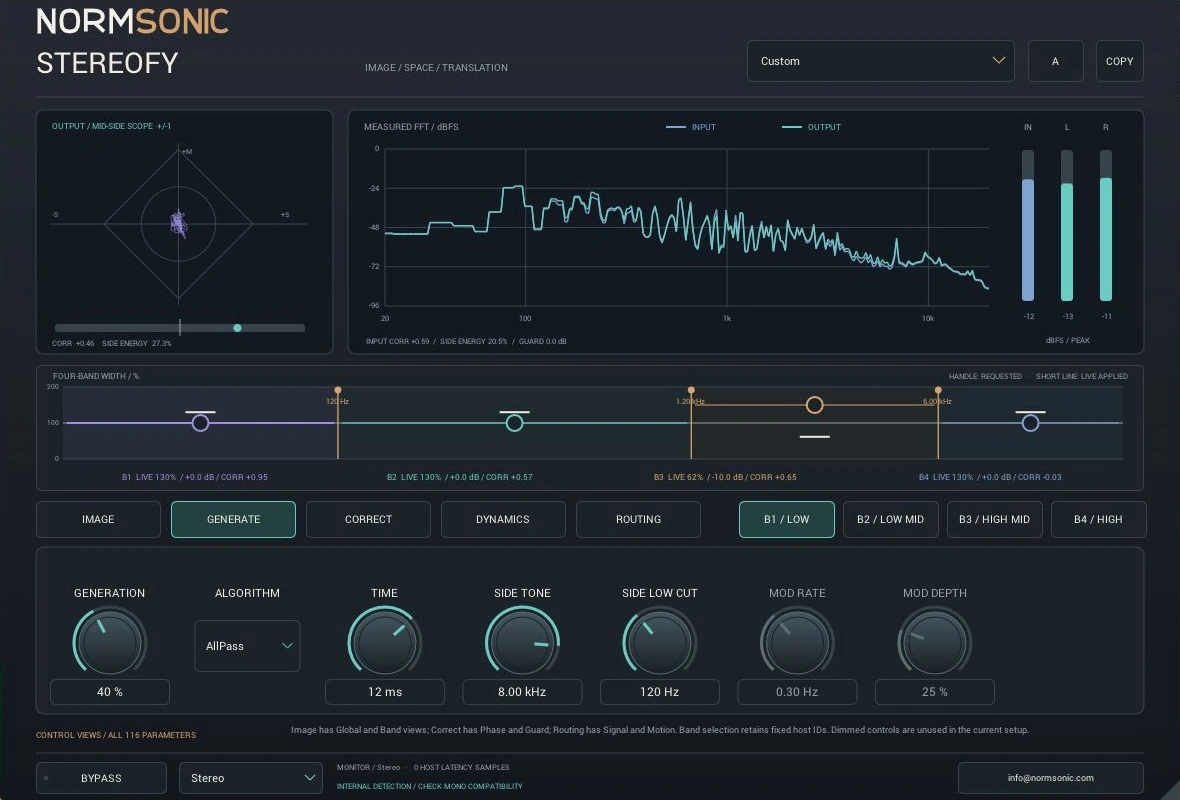

Four-band stereo width, five original mono-to-stereo algorithms, Side dynamics and real vectorscope, correlation and FFT views.
Windows x64VST3 + Standalonev0.1.0
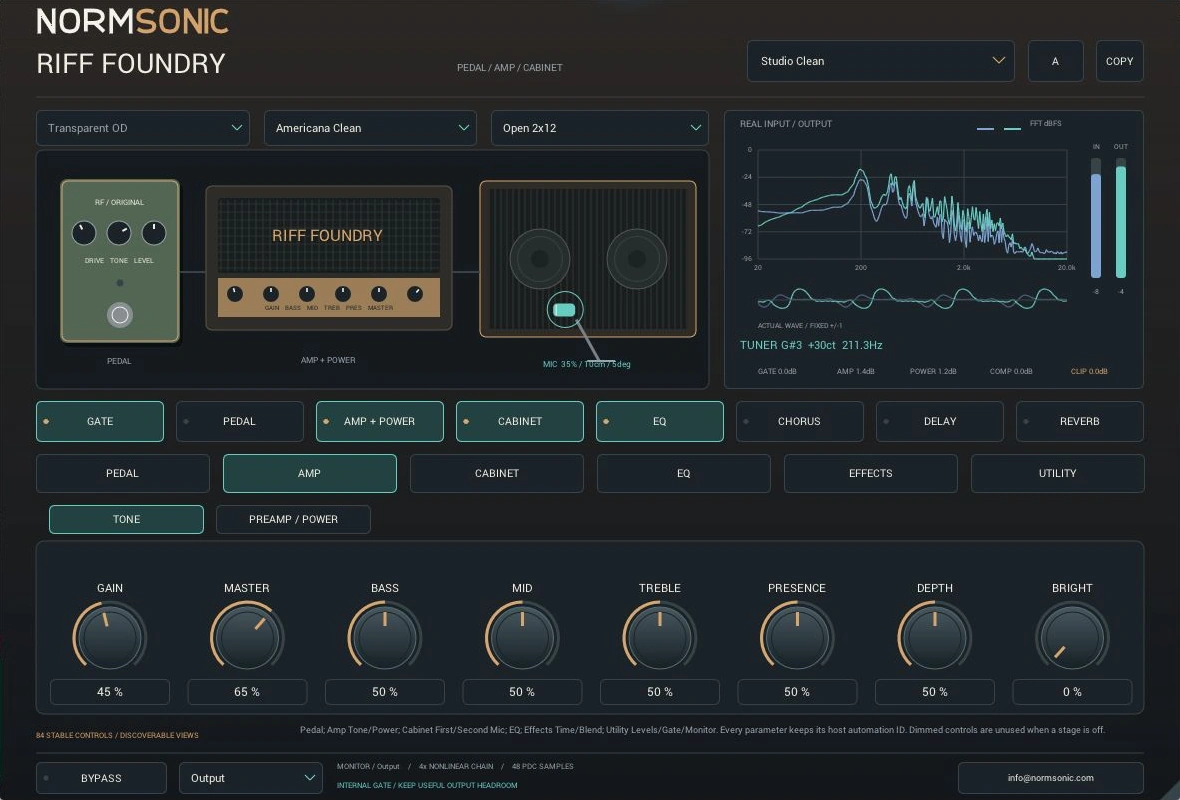

An original guitar chain with sixteen pedal families, twelve amps, ten modelled cabinets and real post-cabinet effects.
Windows x64VST3 + Standalonev0.1.0
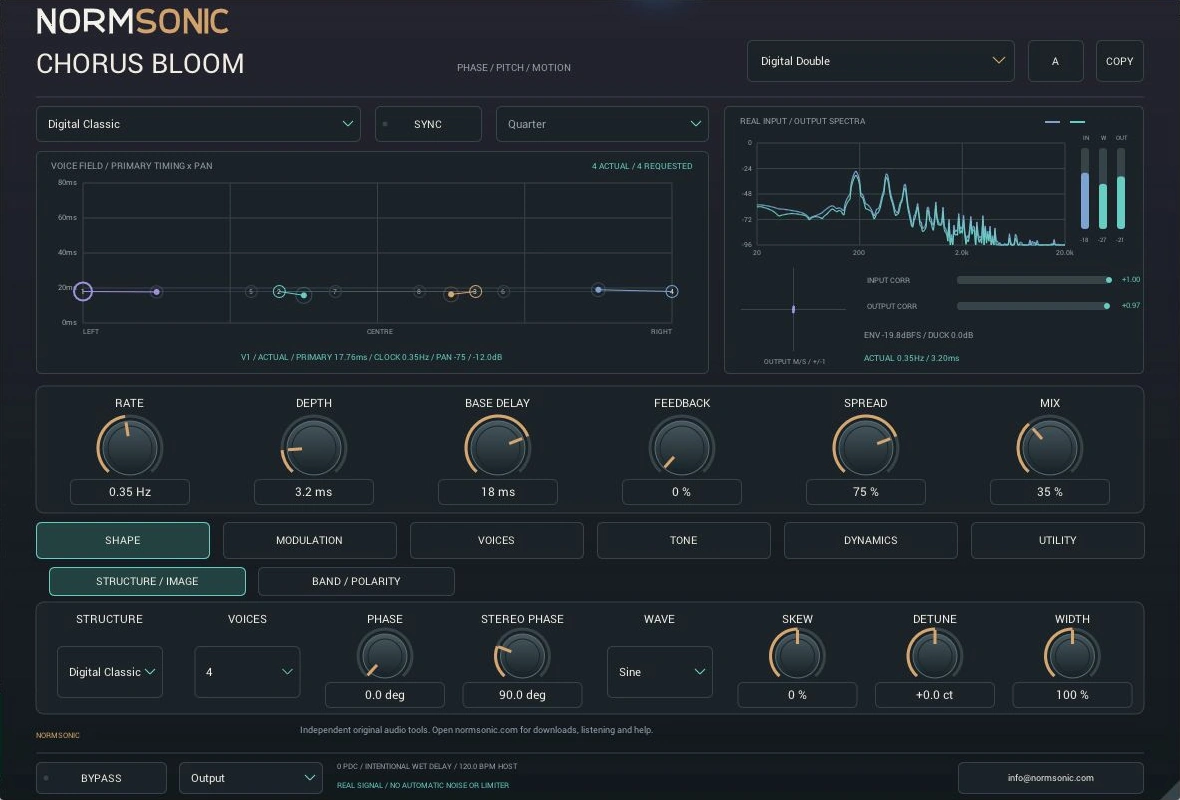

Twelve original chorus structures, eight stable voice slots, genuine signed micro-pitch and measured stereo displays.
Windows x64VST3 + Standalonev0.1.0
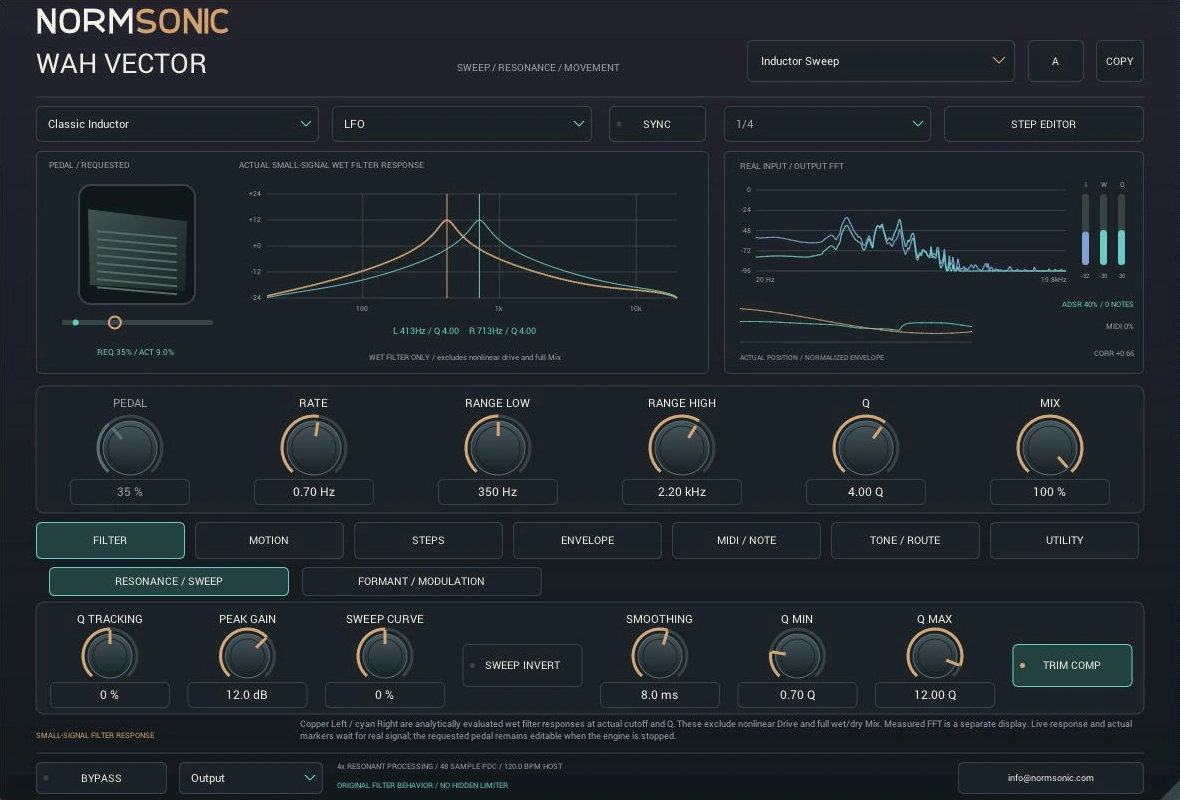

Twelve original filter models, seven sweep sources and sixteen stable sequence slots with real small-signal response and FFT views.
Windows x64VST3 + Standalonev0.1.0
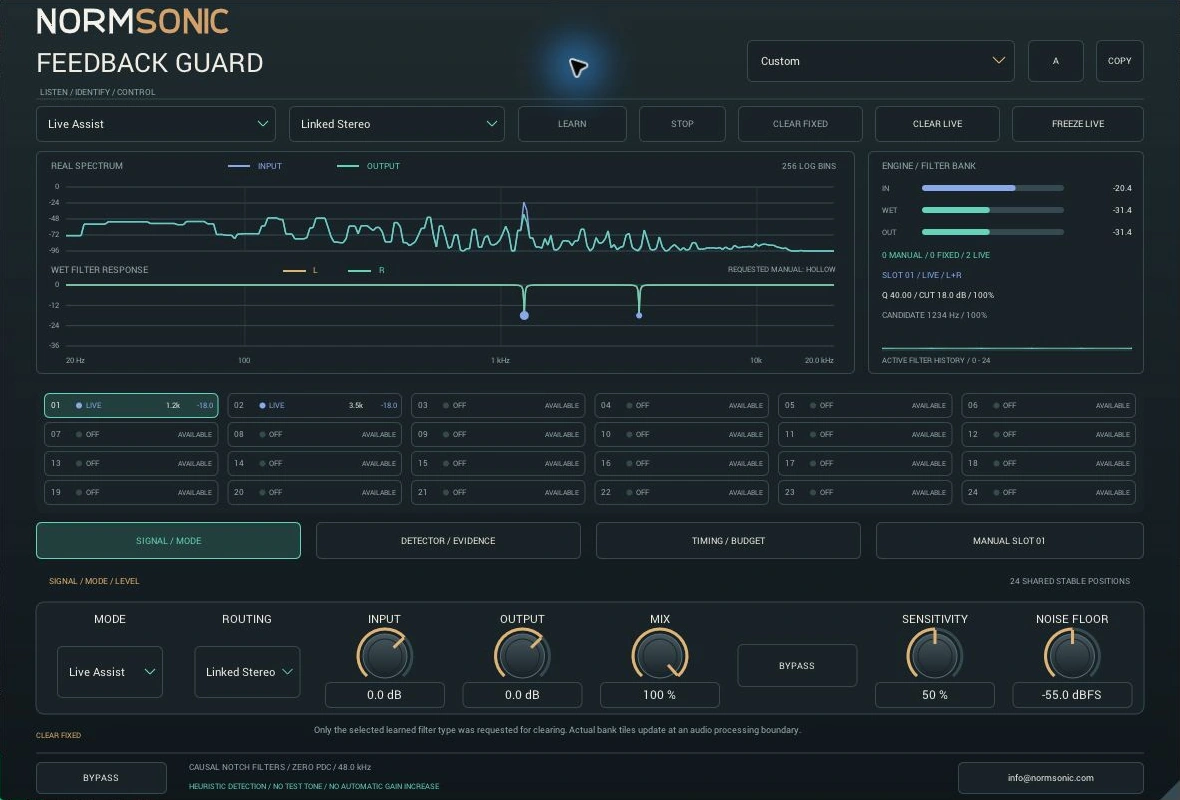
Precise manual and adaptive feedback control: 24 shared notch slots, fixed learning, live recovery and real spectra.
Windows x64VST3 + Standalonev0.1.0
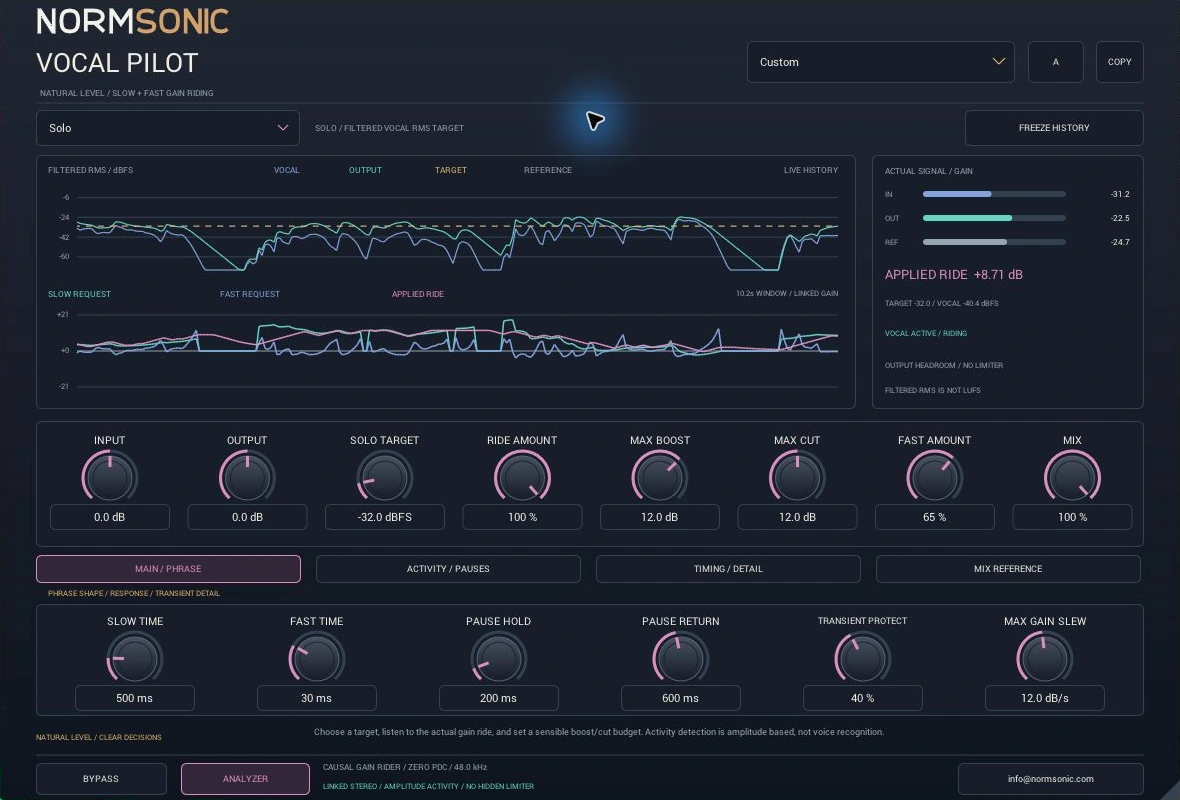
Natural phrase-level control with slow/fast gain requests, a shared budget, pause handling and an optional external instrumental reference.
Windows x64VST3 + Standalonev0.1.0
No matching plugin yet.
Try a broader word or choose All plugins.
Ten effects. One complete performance.Hear the parts
Hear the parts
become a mix.
Compare the same song before and after a complete NORMSONIC mix. Switch at any moment: the performance and playback position stay together.
Plain mix
The supplied stems with no added NORMSONIC processing. They retain the artists’ original recorded and produced sound.
Finished mix
The same parts through the track, send, bus and master chains documented below. Both versions are balanced for a fair listening comparison.
The complete performance, with synchronized plain and finished versions. Press Play, then switch the comparison.
Loading the complete-song comparison…
Inside the session
Explore the chains Every part has a purpose.
The exact chain order, controls, faders and sends from this mix. Open a processing step to inspect its settings.
Loading the session notes…
Useful combinations
A few places to begin.
Bring a vocal forward.
Control its dynamics, shape a resonance, then add a little colour. Listen in context and keep the level comfortable.
DYNAMO CORE ↗SPECTRUM WEAVE ↗Analog Forge ↗Give a part its own space.
A short ambience can add depth. Timed repeats can make a rhythm. Compare the dry source before filling the mix.
ULTRAVERB ↗ECHO ATLAS ↗Build a guitar character.
Start with a clean DI, choose an amp and pedal colour, then explore a wah gesture or a moving chorus.
RIFF FOUNDRY ↗WAH VECTOR ↗CHORUS BLOOM ↗Less talking. More listening.The same sound.
The same sound.
A different feeling.
Switch the plugin off and on while the example plays. Same performance, same position. Hear what the processing adds.
Compare an active section of the isolated vocal with Analog Forge off and on. Both versions stay aligned and balanced for listening.
Loading the audio examples…
ULTRAVERB / Give the sound a placeHear the space.
Hear the space.
Feel the depth.
Now listen to the surroundings. Compare the same performance with ULTRAVERB off and on, then compare the short tail after an individual performance.
Listen to an active vocal passage through the actual ULTRAVERB engine, followed by its short reverb tail. Dry and processed versions stay synchronized.
Loading the audio examples…
A simple way in
Choose. Install. Listen.
Download the ZIP, install its VST3 bundle and rescan your DAW. Start with a preset, compare at a similar level and use the controls to make it yours.
- One package per effect.VST3 and Standalone for Windows x64.
- Hear the original and processed source.Synchronized comparisons on each product page.
- Use it in your music.Free personal and commercial audio use; read the license.