Make your incoming audio a clear connection point.
One host input bus to one output bus, with up to 64 channels where the host supports them.

Make your incoming audio a clear connection point.
Beta software: check your interface, host and complete signal path before using it for a performance.
636e77f434ee853478231b352115513fc3d6786cf4bf7b6518657167c7240b07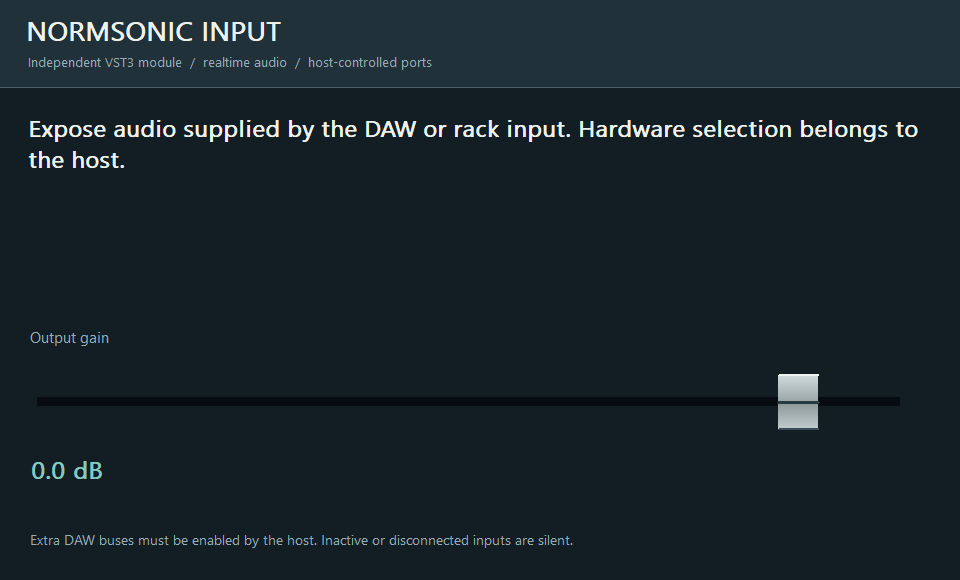
One host input bus to one output bus, with up to 64 channels where the host supports them.
Place INPUT at the start of a chain, connect its output to your effect and adjust gain if needed.
Software gain from −90 to +12 dB; host automation and saved state.
Uses the audio supplied by the host. It does not open a USB driver or control hardware preamp gain or phantom power.
VST3 hosts expose and activate auxiliary buses differently. Enable the plugin’s extra inputs and outputs in your DAW. If your host supports only a stereo insert, use the main pair or run the full graph in RACK.
No. In a DAW they work with the audio buses supplied by that DAW. Standalone RACK opens the selected physical interface and its modules address its channels.
No. Digital summing is the neutral default. Analog-inspired saturation is an optional creative effect, not a requirement for combining signals.